Article Summary: Learn how to easily set up automated daily reservation reports within your Reservit PMS to optimize your property tracking. This step-by-step tutorial guides you through configuring your system settings to receive comprehensive email updates regarding your latest bookings. By implementing this feature, you will stay organized, save administrative time, and keep your operational team perfectly synchronized.
The 4 Key Steps to Generate a Daily Reservation Report:
-
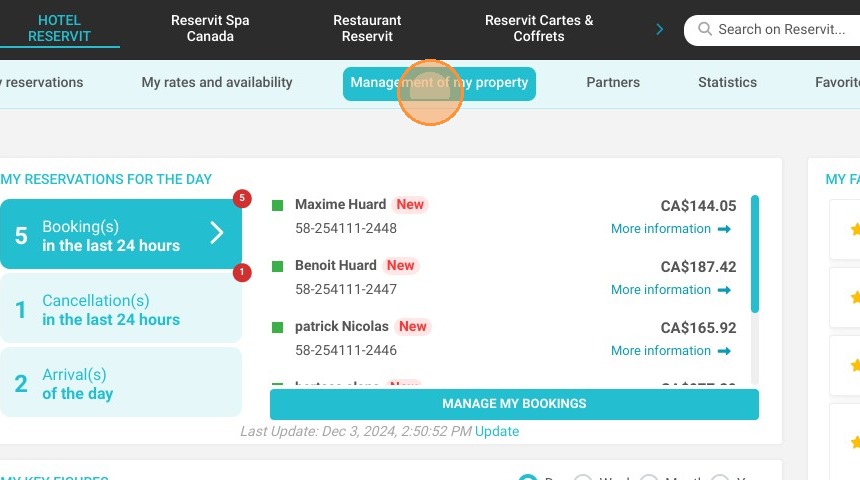
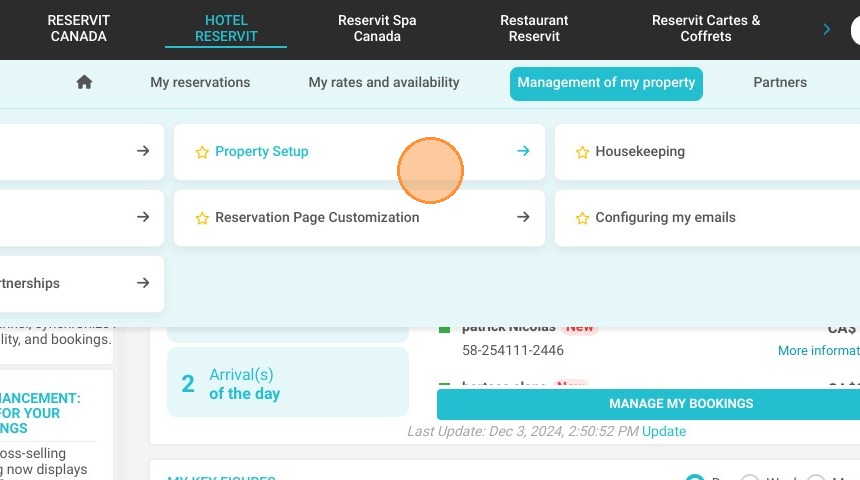
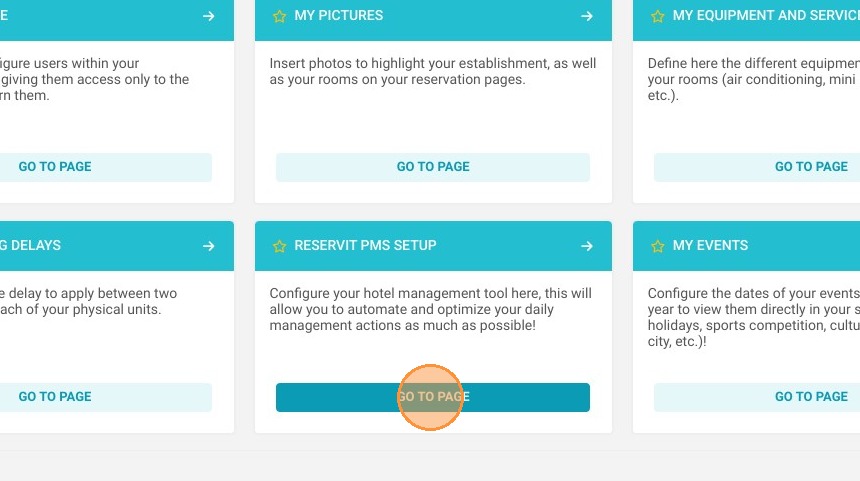
Navigate to PMS settings: Click on "Management of my property," select "Property setup," and then choose "Reservit PMS setup."
-
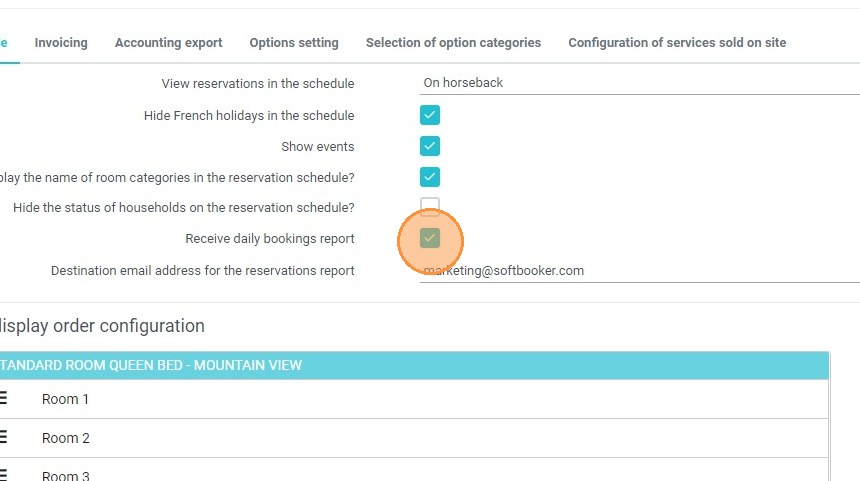
Activate the reporting feature: Check the box labeled "Receive daily bookings report" within the configuration menu.
-
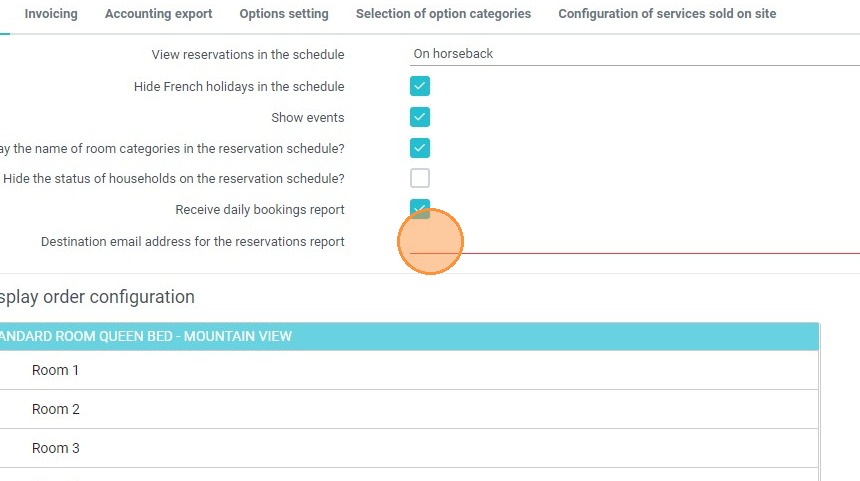
Enter your destination email: Input the specific email address where you want the automated daily activity log to be sent.
-
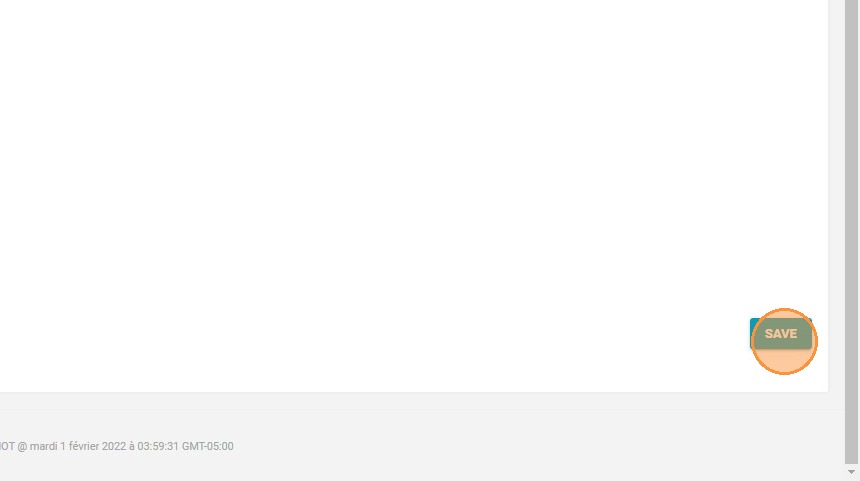
Save your changes: Click the "SAVE" button to confirm and immediately apply your new reporting setup.
Why Follow This Guide? Activating these automated email alerts eliminates the need for manual log checks, ensuring you never miss critical updates about your establishment's activity. It provides a reliable, error-free method to streamline daily operations and significantly enhances internal organization across your hospitality team.
1. Click "Management of my property"
2. Then ''Property setup''
3. And ''Reservit PMS setup''
4. Check the box "Receive daily bookings report"
5. Enter the email address you will use to receive this report
6. Click "SAVE" in order to confirm the setup