Article Summary: Learn how to easily adjust the timeframe and buffer days between consecutive bookings within Reservit PMS. This step-by-step guide explains how to configure a minimum gap between reservations for specific physical units to allow ample time for housekeeping or maintenance. By setting these custom booking buffers, you can optimize your property's operational scheduling and ensure seamless guest transitions.
The 4 Key Steps to Adjust the Timeframe Between Reservations:
-
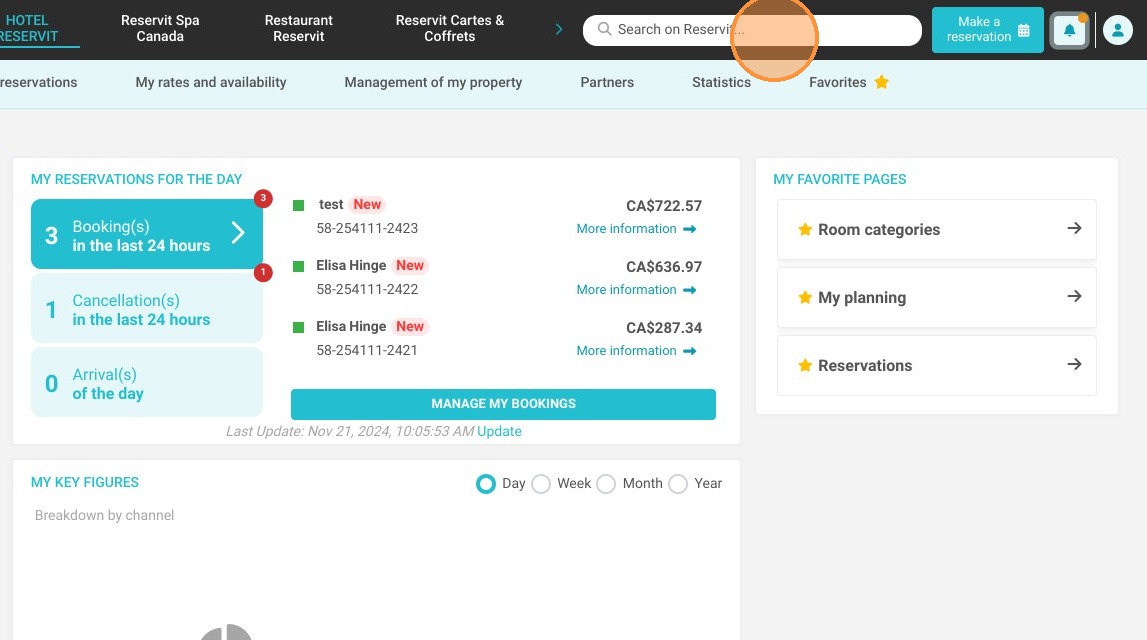
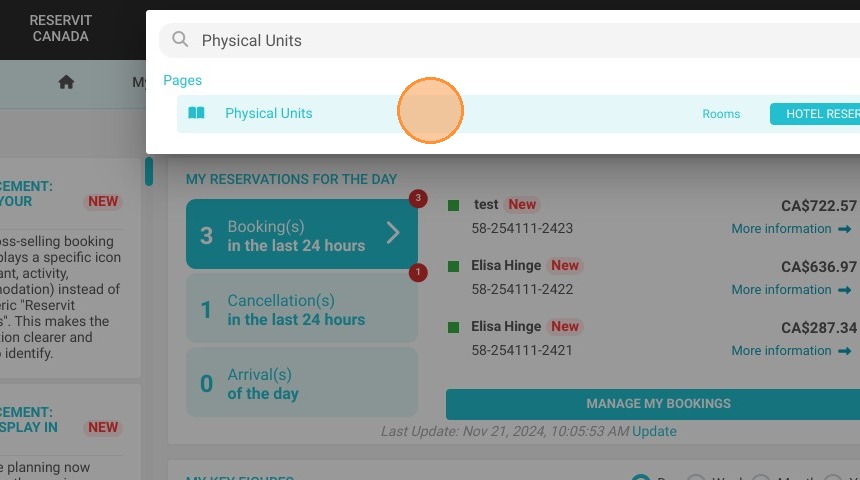
Search for physical units: Click the global "Search on Reservit..." bar at the top, type "Physical Units," and click on the matching menu option.
-
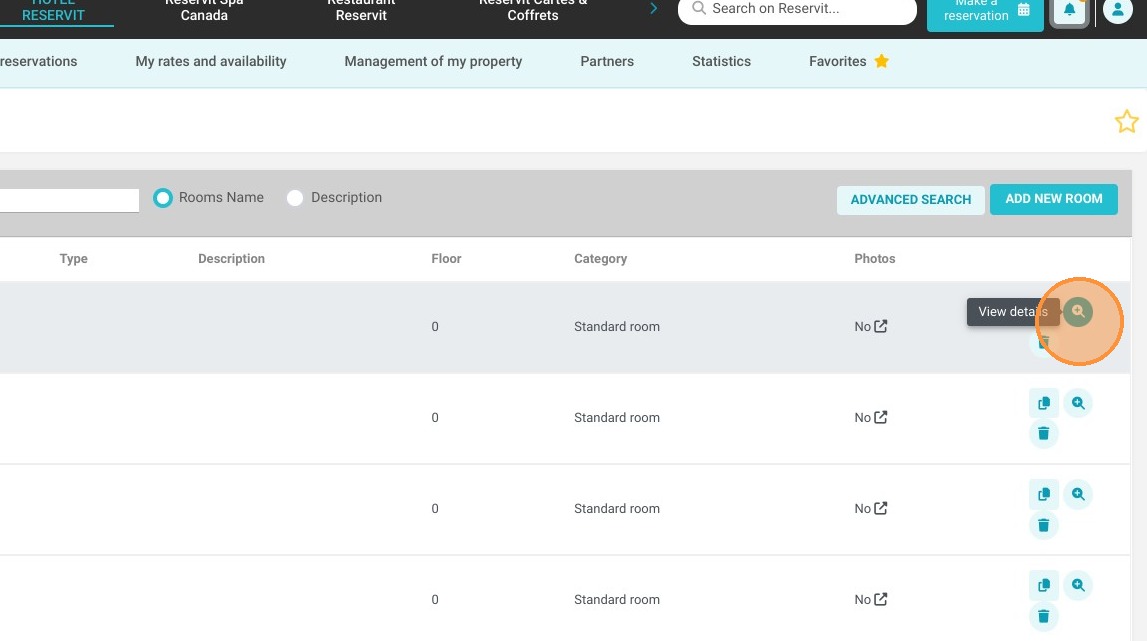
Open room details: Locate the specific accommodation or rental unit you wish to modify and click on "View details."
-
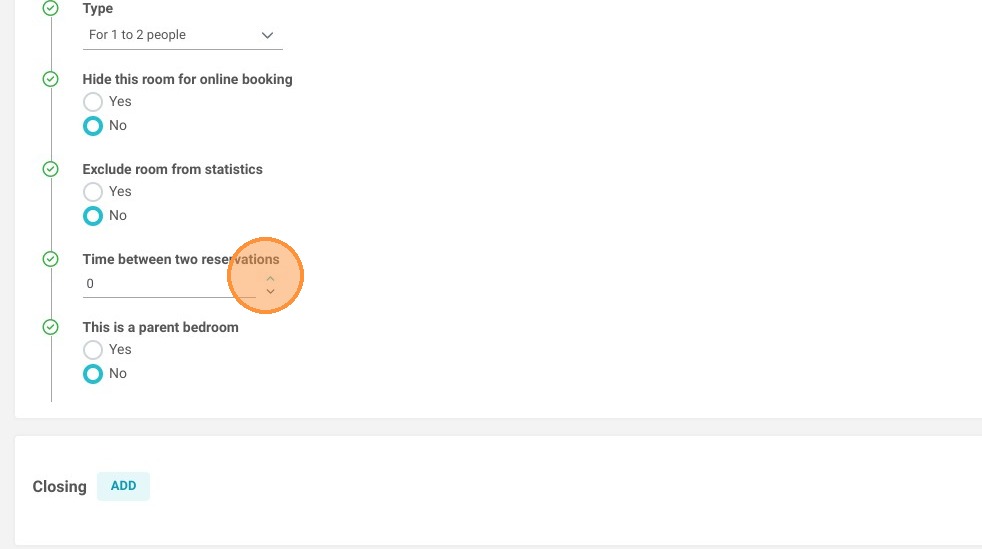
Define the reservation gap: Indicate the exact number of buffer days you want to enforce as a mandatory turnaround period between two separate stays.
-
Save your configuration: Click the "Save" button to instantly apply the new preparation timeframe rule to your calendar inventory.
Why Follow This Guide? Setting an automated turnaround time between bookings helps your housekeeping and maintenance teams prepare rooms thoroughly without the risk of overlapping arrivals. This guide provides a quick, error-free method to eliminate scheduling stress, safeguard hospitality quality standards, and prevent back-to-back reservation conflicts.
1. Click "Search on Reservit..."
2. Type and Click ''Physical Units''
3. Click on View details of the desired room.
4. Then indicate the number of days you want between 2 reservations.
5. Click ''Save''