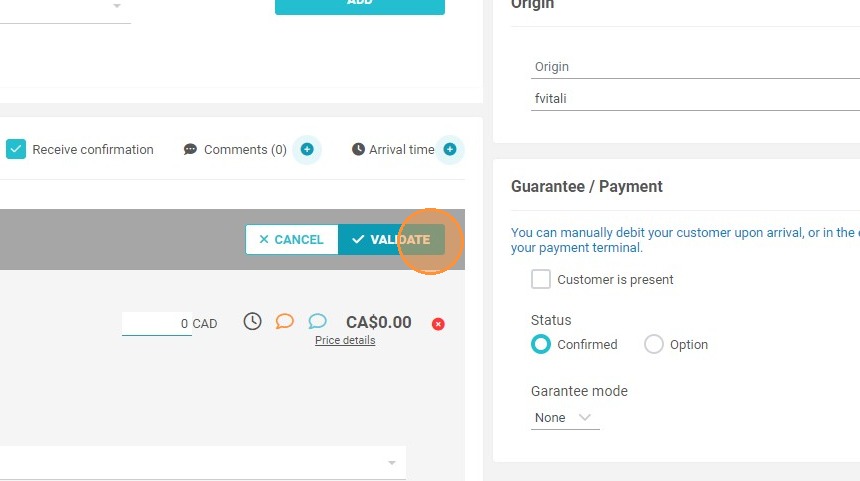
Article Summary: This concise guide explains how to manually create a complimentary or zero-dollar reservation within the Reservit PMS system. You will learn how to search for availability, add a booking to your inventory, and apply a manual rate override to set the price to zero. Mastering this configuration allows you to easily process complimentary stays, owner bookings, or promotional rewards without distorting your financial invoicing templates.
The 4 Key Steps to Create a Reservation for Free
-
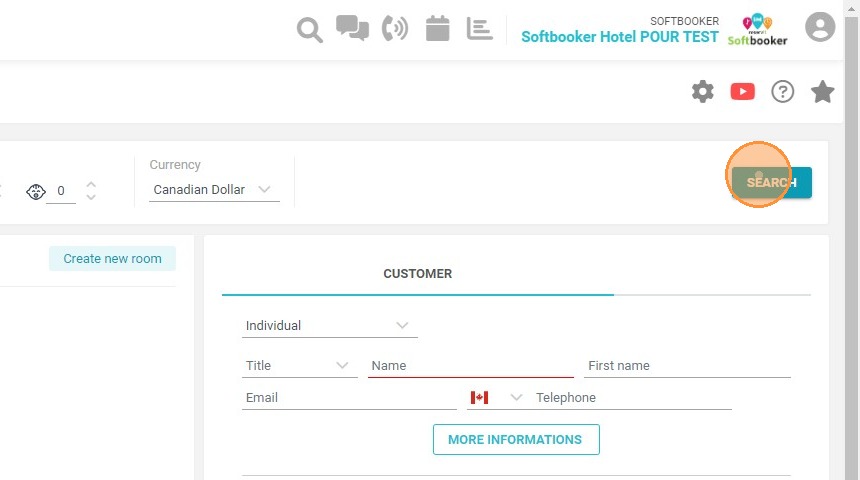
Search for Availability: Navigate to the reservation module, input your target stay dates, perform a classic availability search, and click "SEARCH".
-
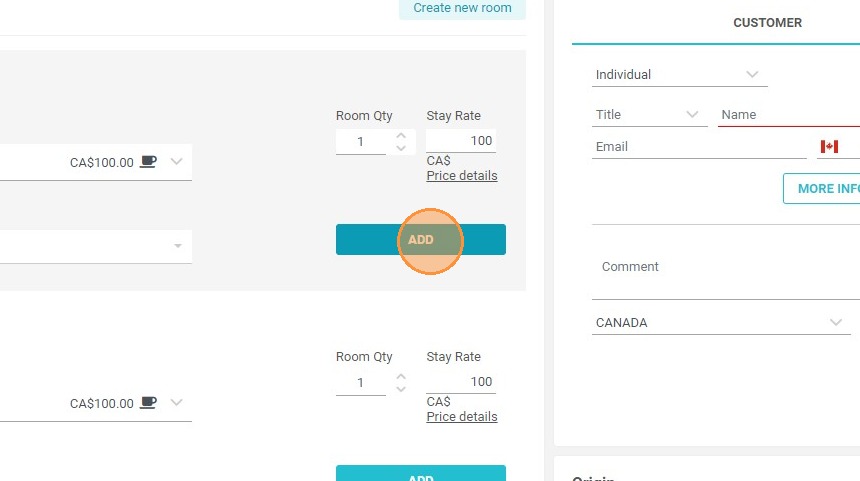
Select the Accommodation: Locate the preferred room or lodging unit from the search results and click the "ADD" button.
-
Override the Rate: Click directly on the designated pricing field within the booking interface to open the manual rate modification window.
-
Set to Zero and Finalize: Type $0 into the rate text field and click "VALIDATE" to successfully apply the zero-dollar pricing structure to the reservation.
Why Follow This Guide?
Following this tutorial enables your front-desk and reservation teams to instantly process authorized complimentary stays, gift certificates, or property owner bookings right on the grid. It optimizes your operational efficiency by ensuring that specialized, zero-rate stays are logged accurately into the system framework without creating unnecessary billing confusion or tracking errors.
1. Go to the reservation module, make a classic search
2. Click "SEARCH"
3. Click "ADD"
4. Click here to modify the price
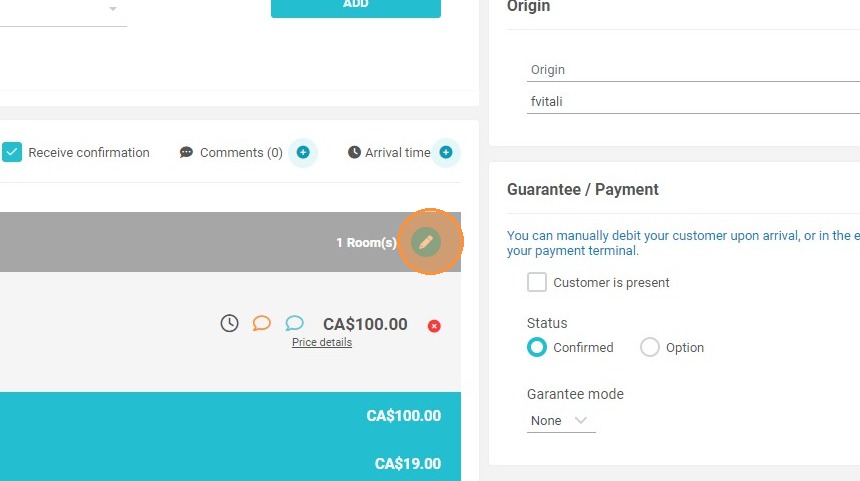
5. Enter $0
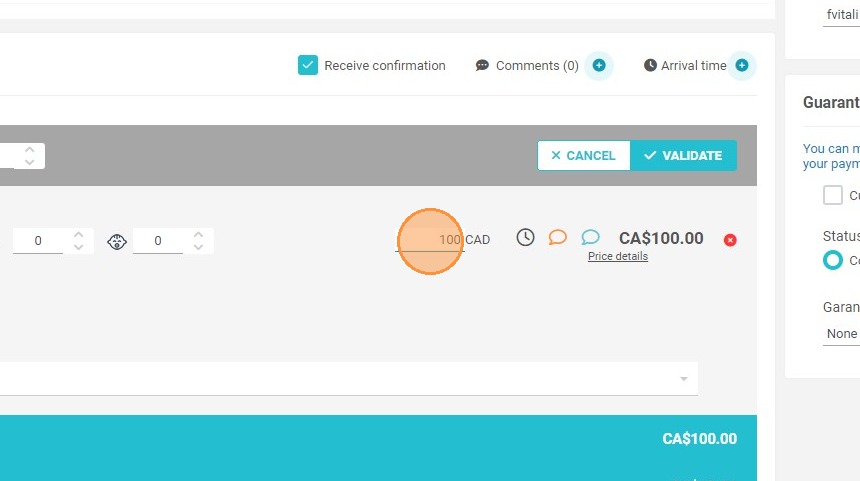
6. Click "VALIDATE"