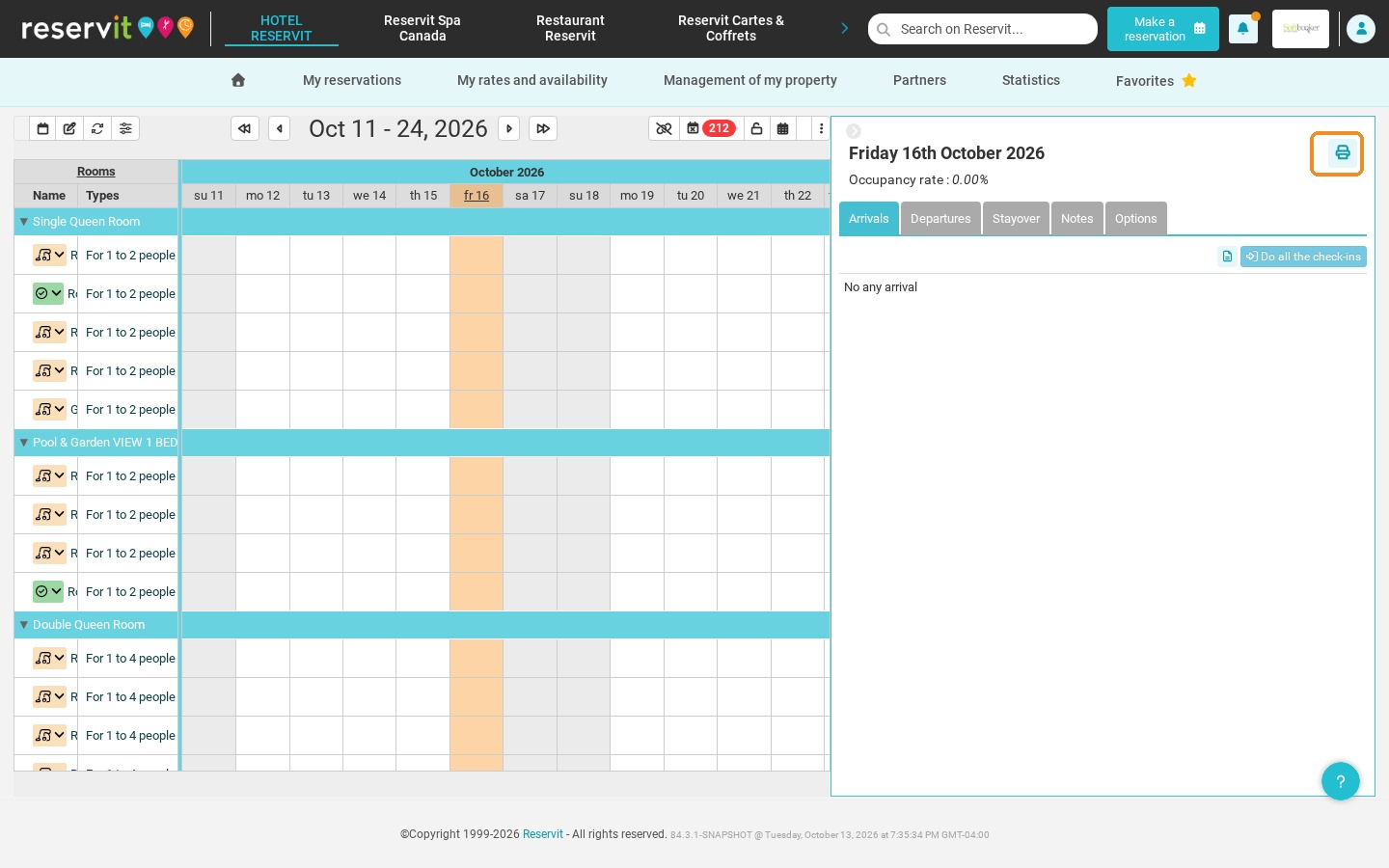
Article Summary: This tutorial explains how to generate and print a list of the arrivals, departures and stay-overs of a day directly from Reservit PMS. You will learn how to edit a detailed rooming list including room assignments and guest names. Organize your front desk every day and anticipate the movements of your guests.
The 3 Key Steps to Print Your Arrivals List (Rooming List):
-
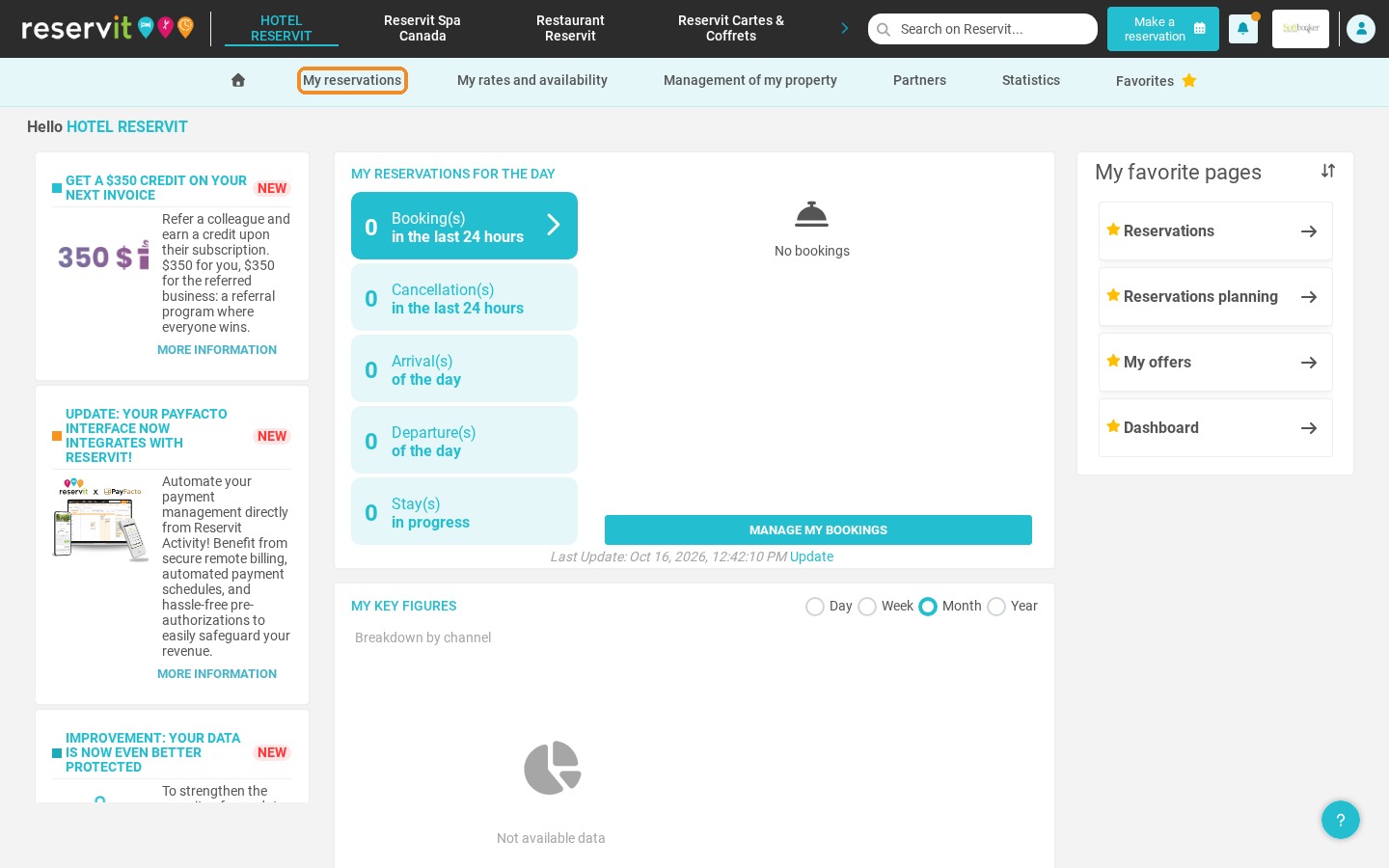
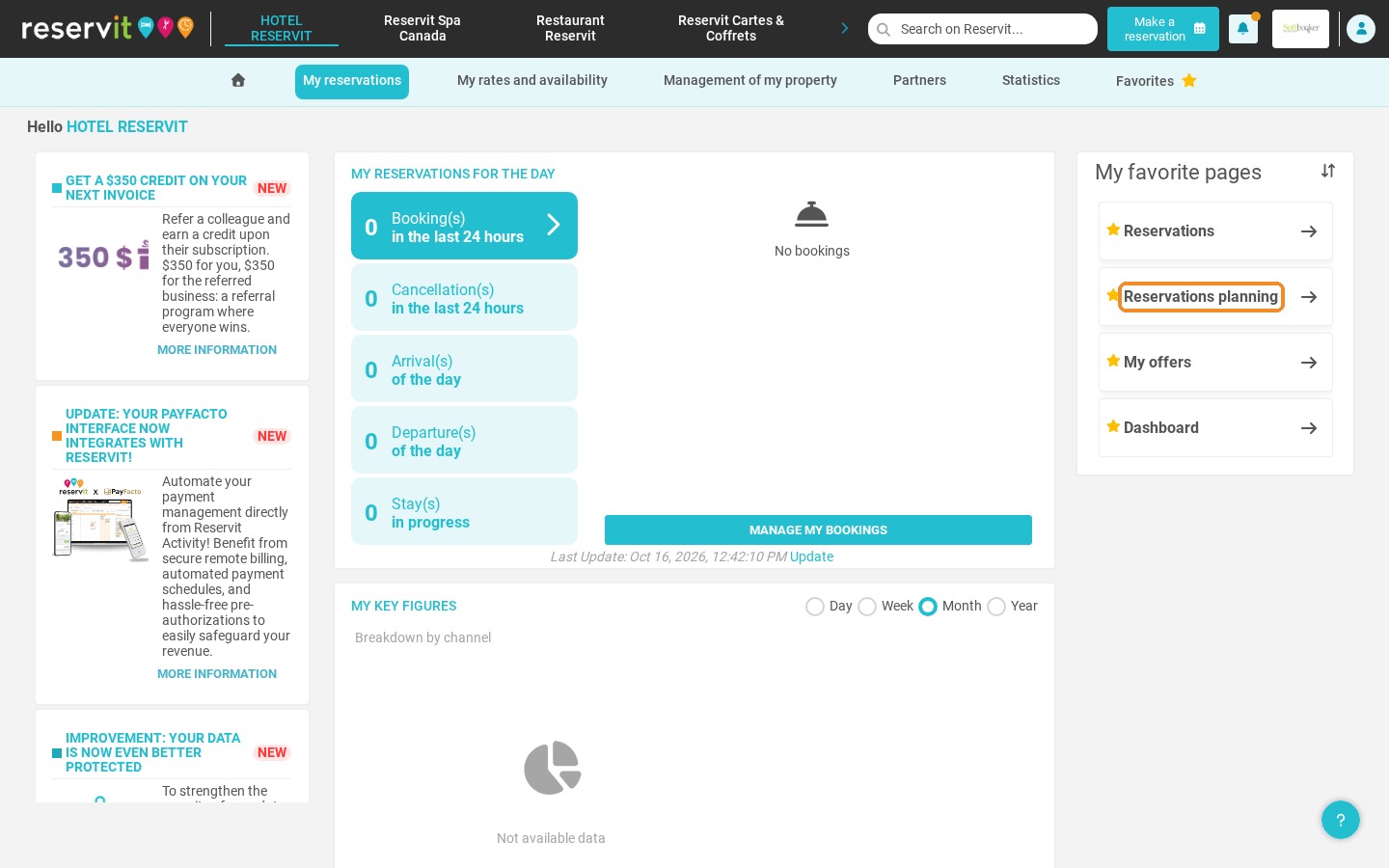
Open the planning: Go to "My reservations", then "Reservations planning".
-
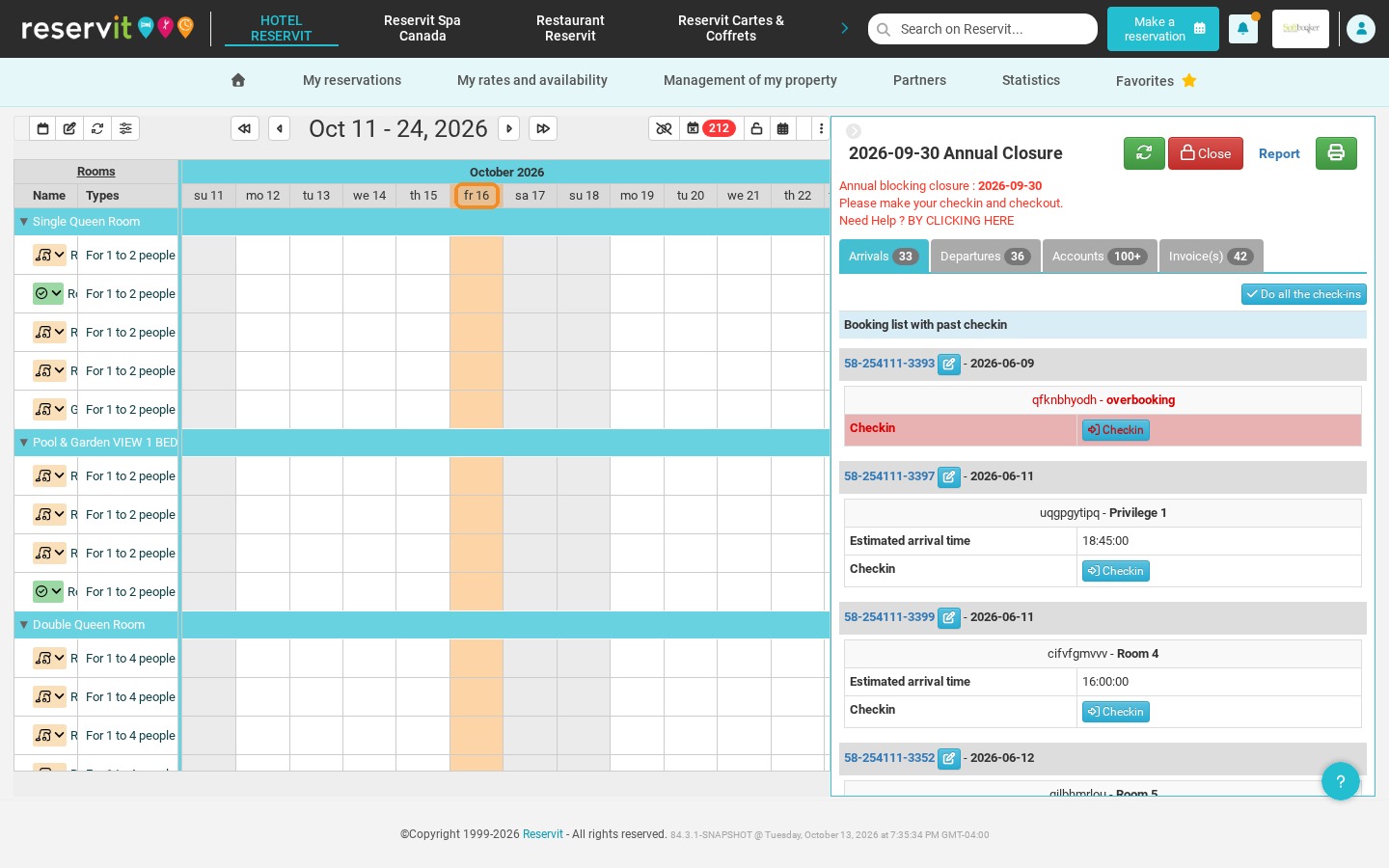
Select the date: Click the day you want in the top banner of the calendar.
-
Print: Click the printer icon at the top right of the day panel.
Why Follow This Guide? This guide saves you valuable time at shift changes by giving your front desk team a clear overview of the day. Printing this report helps avoid allocation errors and ensures a smooth, professional welcome for your guests.
1. Go to "My reservations", then "Reservations planning".
2. Click the date you want in the top banner of your reservations calendar.
3. The panel of the day opens with the arrivals, departures, stay-overs, notes and options. Click the printer icon at the top right to print this information.