Article Summary: This tutorial explains how to quickly determine the average length of stay (ALOS) for your property's bookings using the Reservit dashboard. You will learn how to filter reservation data by specific dates, processing methods, and distribution channels to gain valuable insights into guest behavior. By mastering these statistics, you can effectively optimize your pricing strategy and maximize your overall occupancy rate.
The 5 key steps to calculate your average length of stay:
-
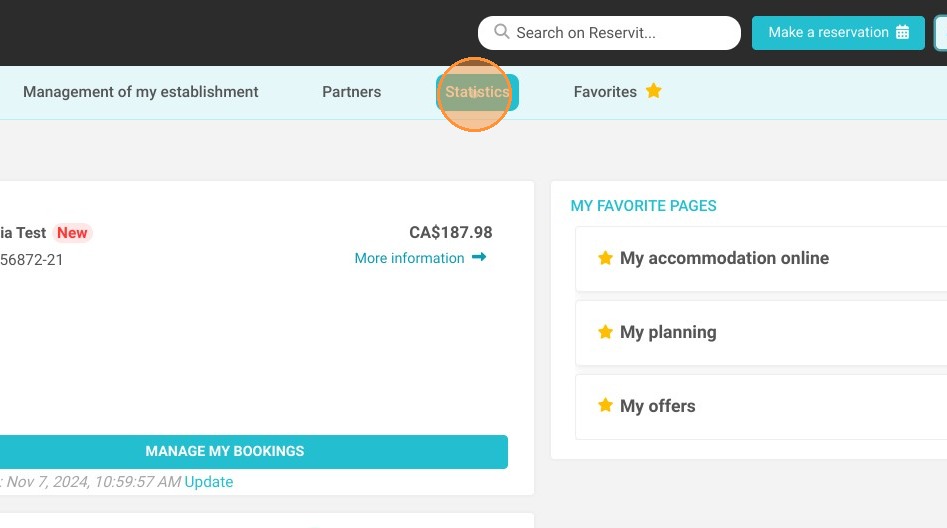
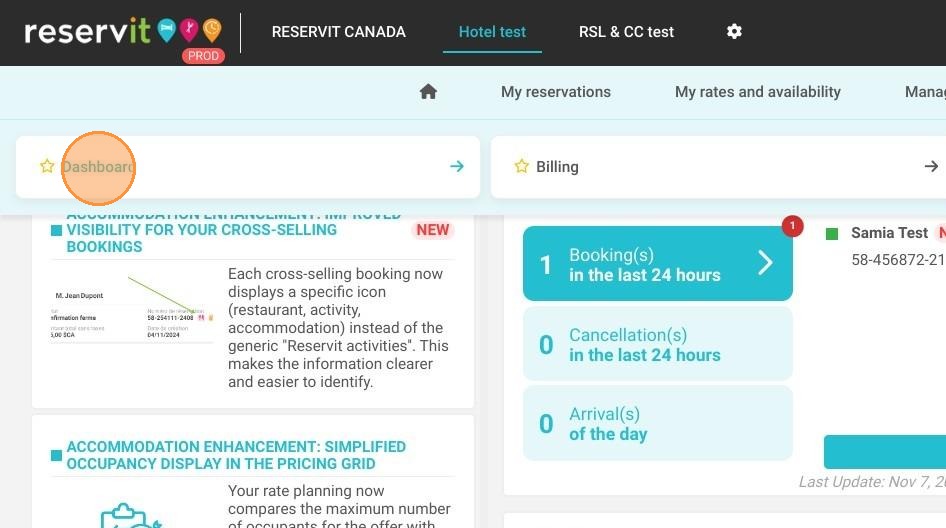
Access your Statistics: Navigate to the "Statistics" section in your main menu and click on "Dashboard".
-
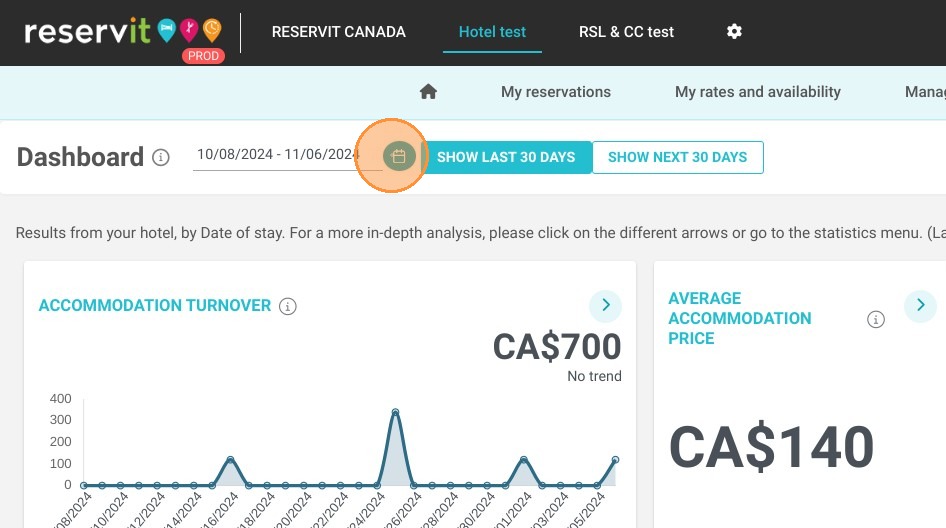
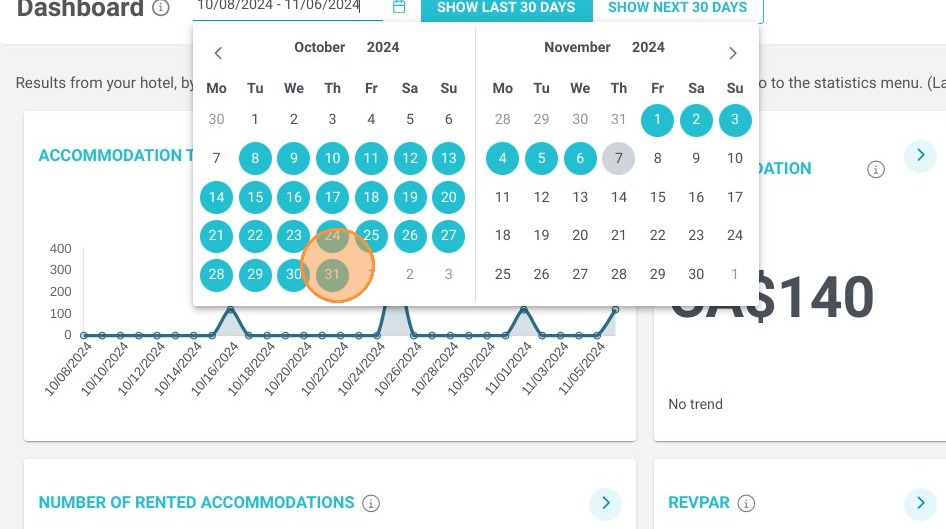
Define the Date Range: Use the calendar tool to select the specific start and end dates you want to analyze.
-
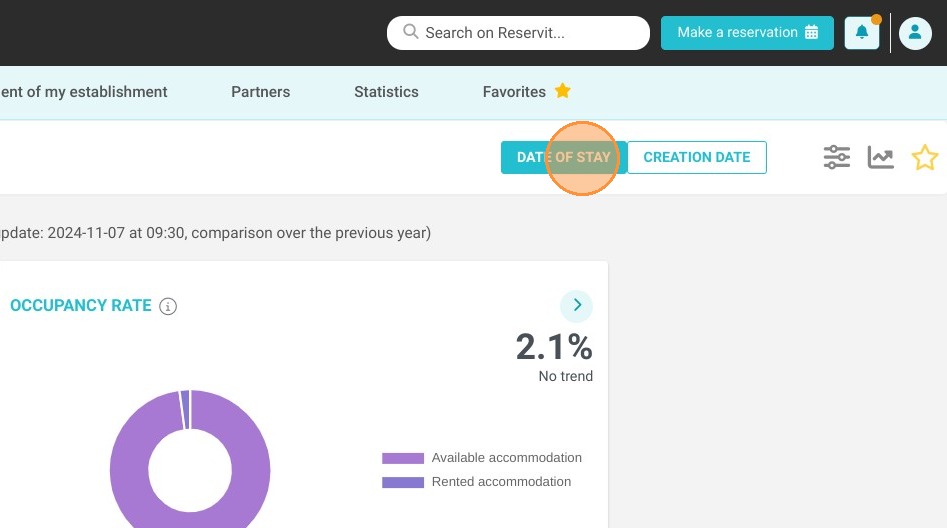
Choose the Processing Method: Filter your data by selecting either the booking creation date or the actual date of stay.
-
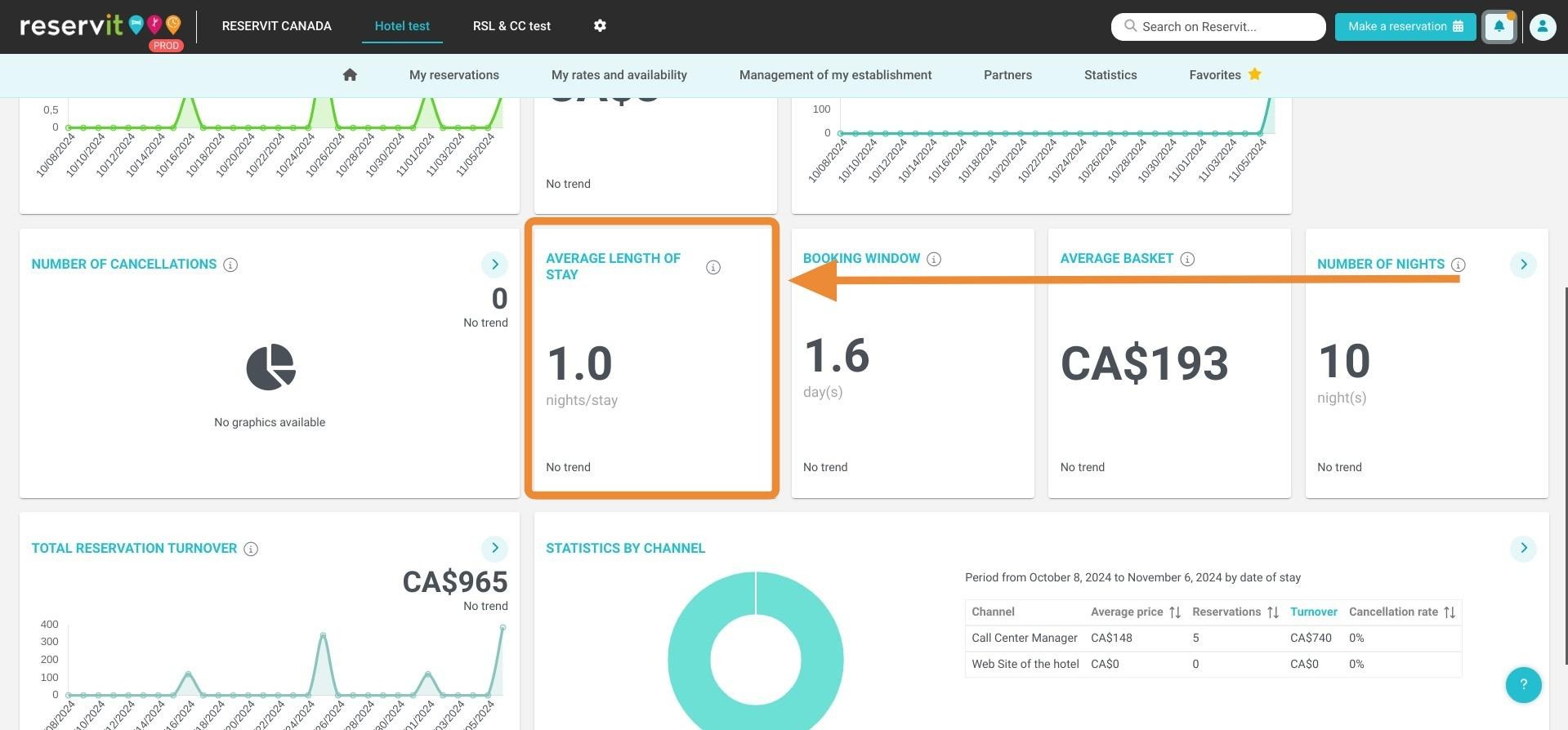
Locate the Average Length: View the automatically calculated average length of stay metric displayed directly on your screen.
-
Refine by Distributor: Select a specific distributor from the dropdown menu to analyze which channels generate the longest bookings.
Why follow this guide? Regularly tracking your average length of stay allows you to identify booking trends and confidently adjust your minimum stay restrictions, ultimately boosting your property's revenue. This guide saves you time by showing you exactly where to extract and filter these crucial metrics, completely eliminating the need for manual calculations.
1. Click on "Statistics"
2. Click on "Dashboard"
3. Select the relevant dates here:
4. Select dates
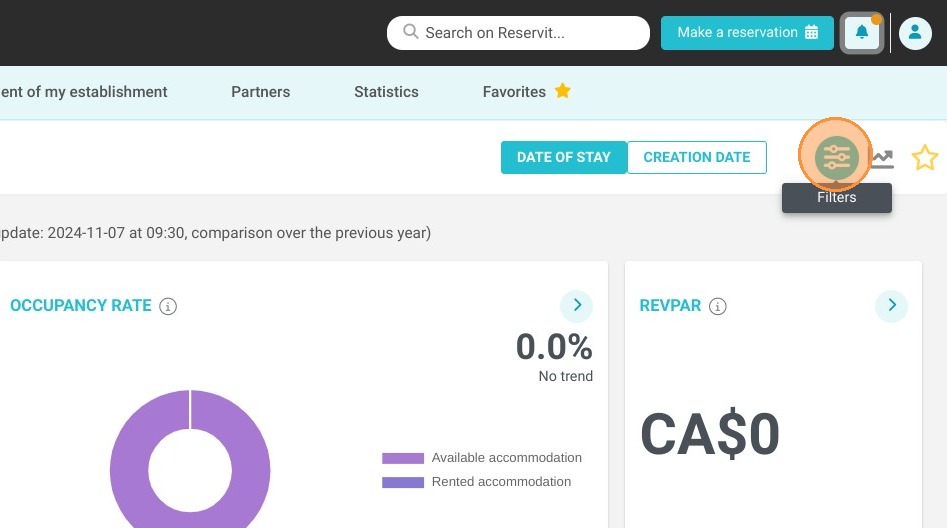
5. You can select with these two buttons, how you want to process your stats, by date of creation or date of stay of your bookings
6. The average length of stay will be presented
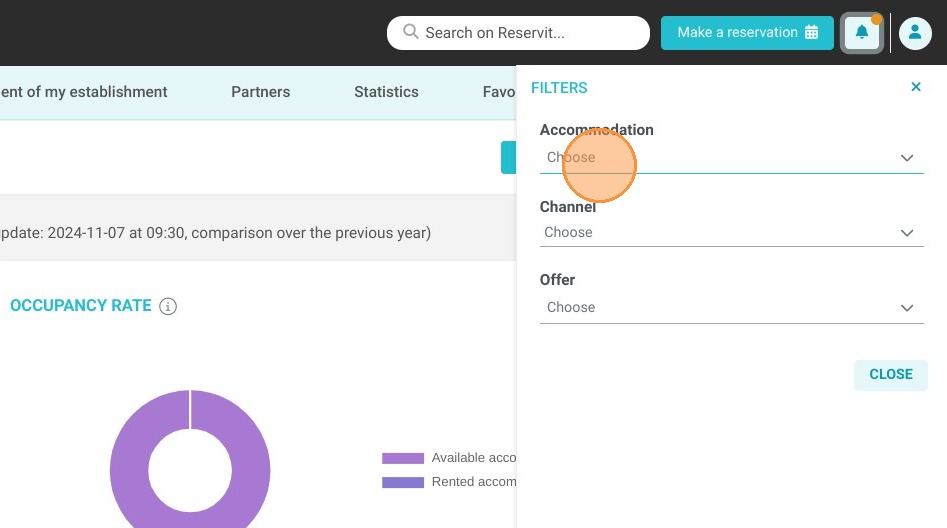
7. You can select the stats related to a specific distributor