Article Summary: This tutorial explains how to make your promotional offers appear in Reservit Accommodation even when the guest's search does not meet their conditions. Your packages stay visible, encouraging guests to adjust their dates or length of stay so they can book them. It is a strategic marketing feature that maximises the visibility of your best offers while keeping your restrictions in place.
The 4 Key Steps to Display Your Offers:
-
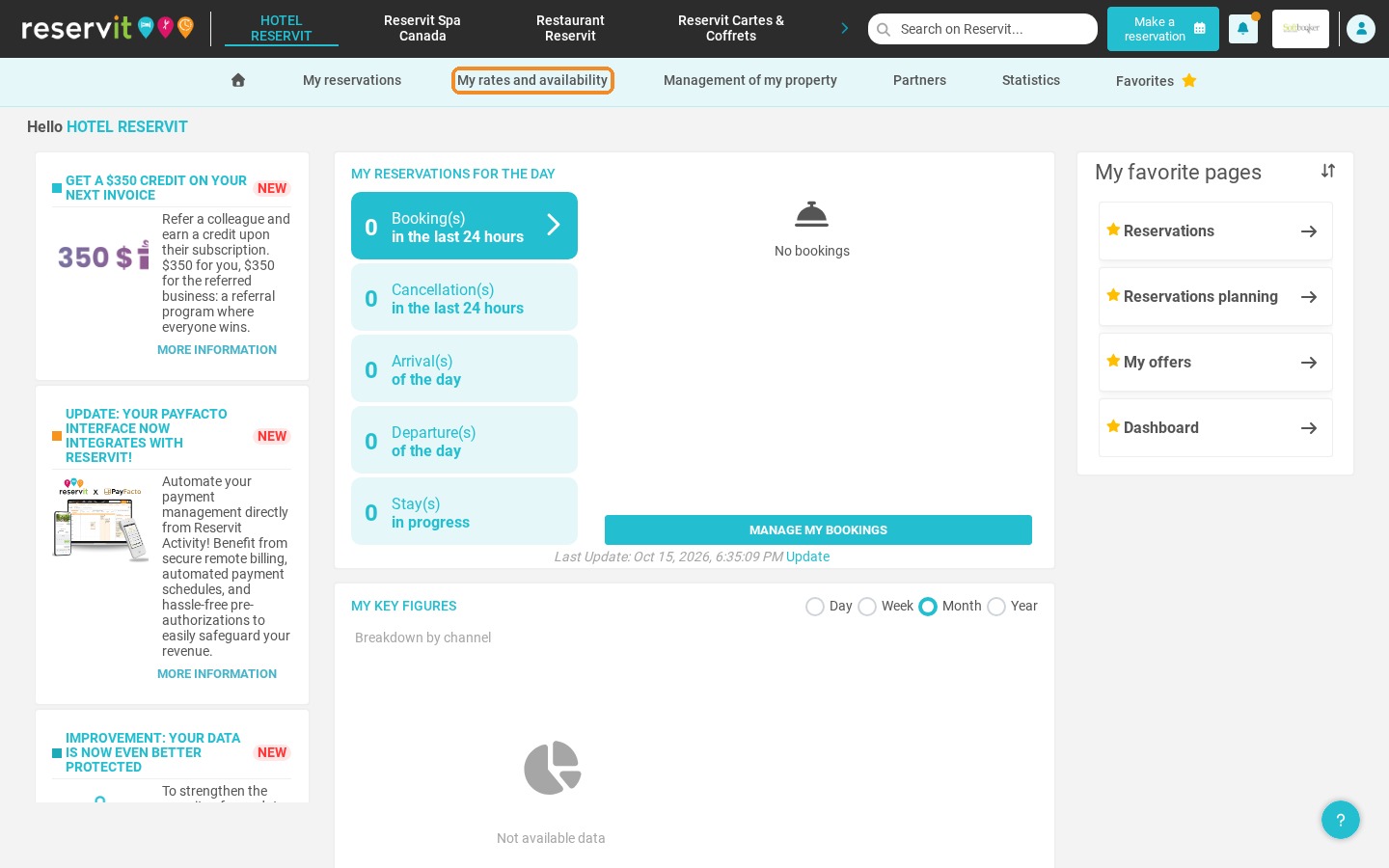
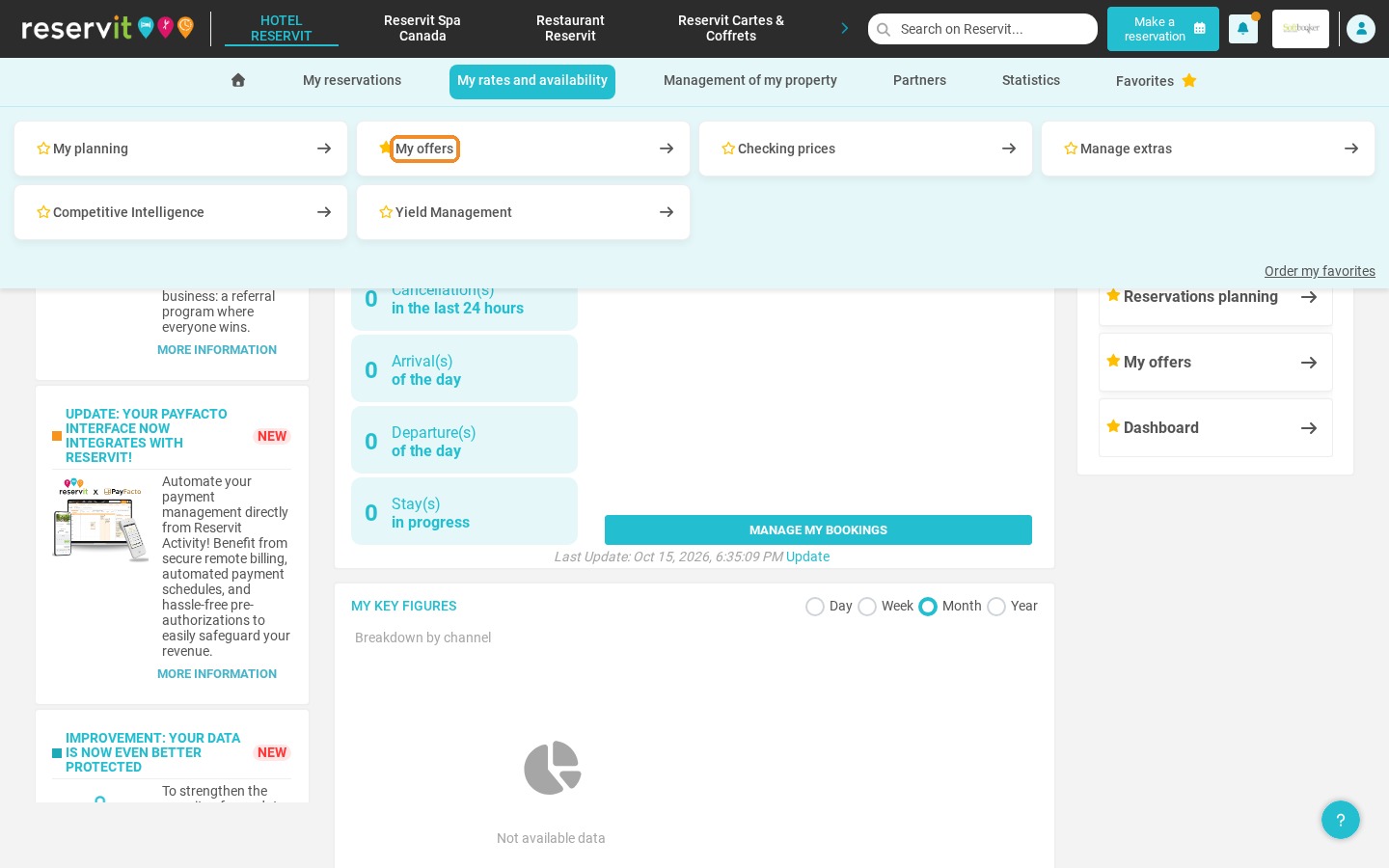
Open your offers: Go to "My rates and availability" and select "My offers".
-
Open the optional settings: Open the configuration of the offer and go to the optional settings.
-
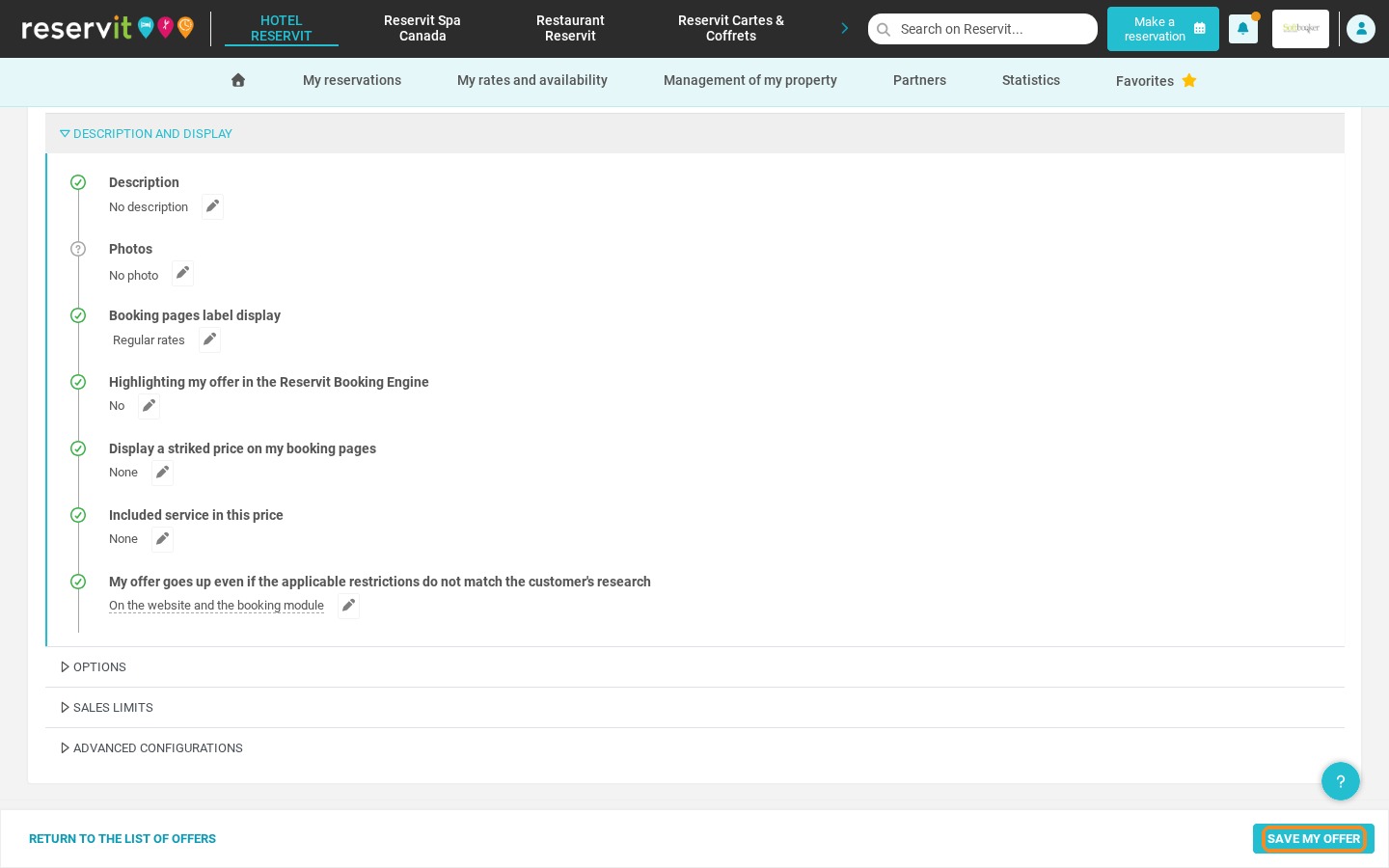
Change the display rules: In "Description and display", set the field that lets your offer show up even when its restrictions are not met (on the booking engine and/or in internal bookings).
-
Save your changes: Click "Save my offer" to apply your new visibility settings.
Why Follow This Guide? This guide helps you use incentive display to encourage potential guests to adapt their search and benefit from your exclusive offers. By using this upselling technique, you make your booking engine more attractive and increase your conversion rate without giving up your pricing rules.
1. Go to "My rates and availability" and select "My offers".
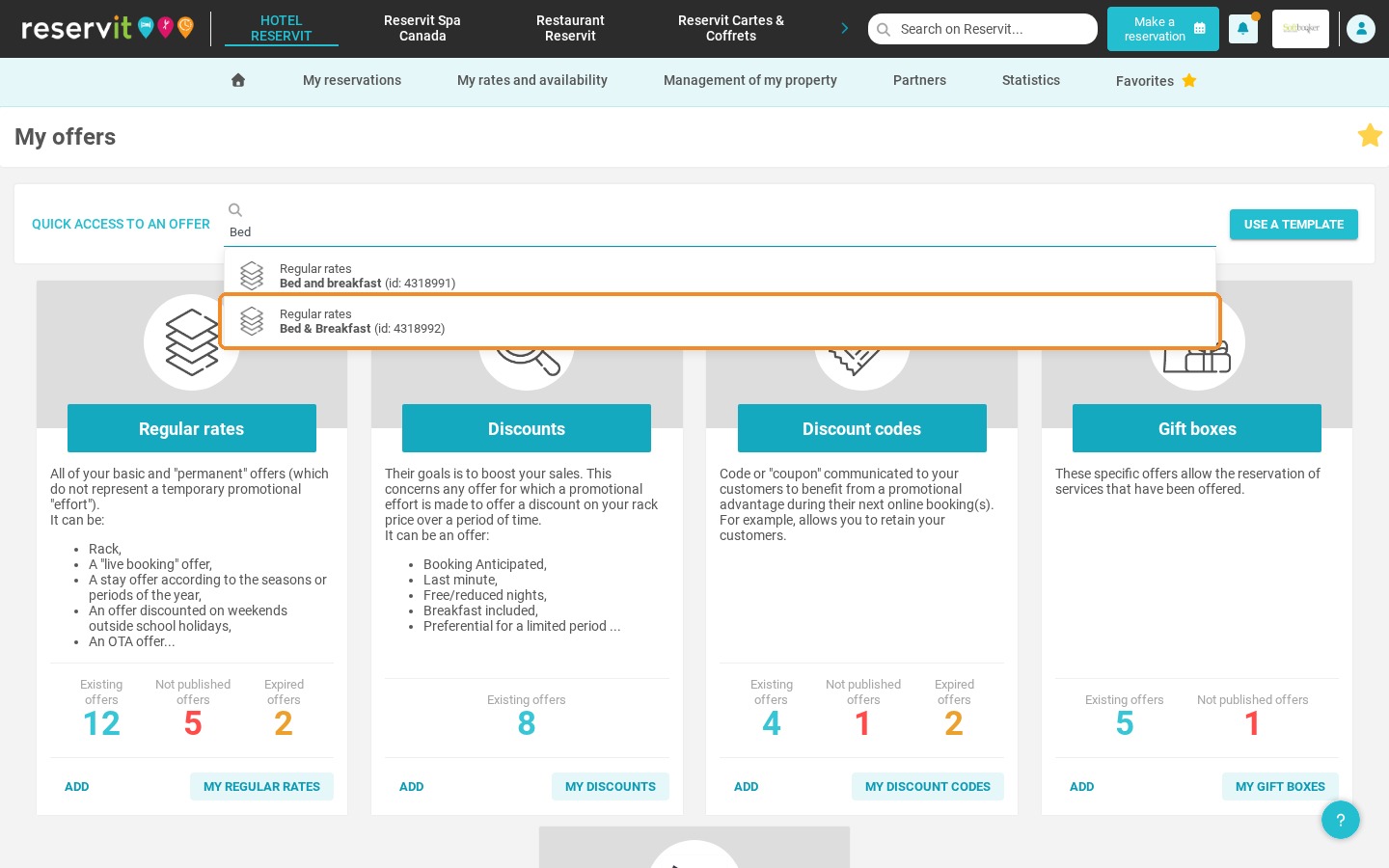
2. Open the offer you want to configure, for example with the "Quick access to an offer" search field.
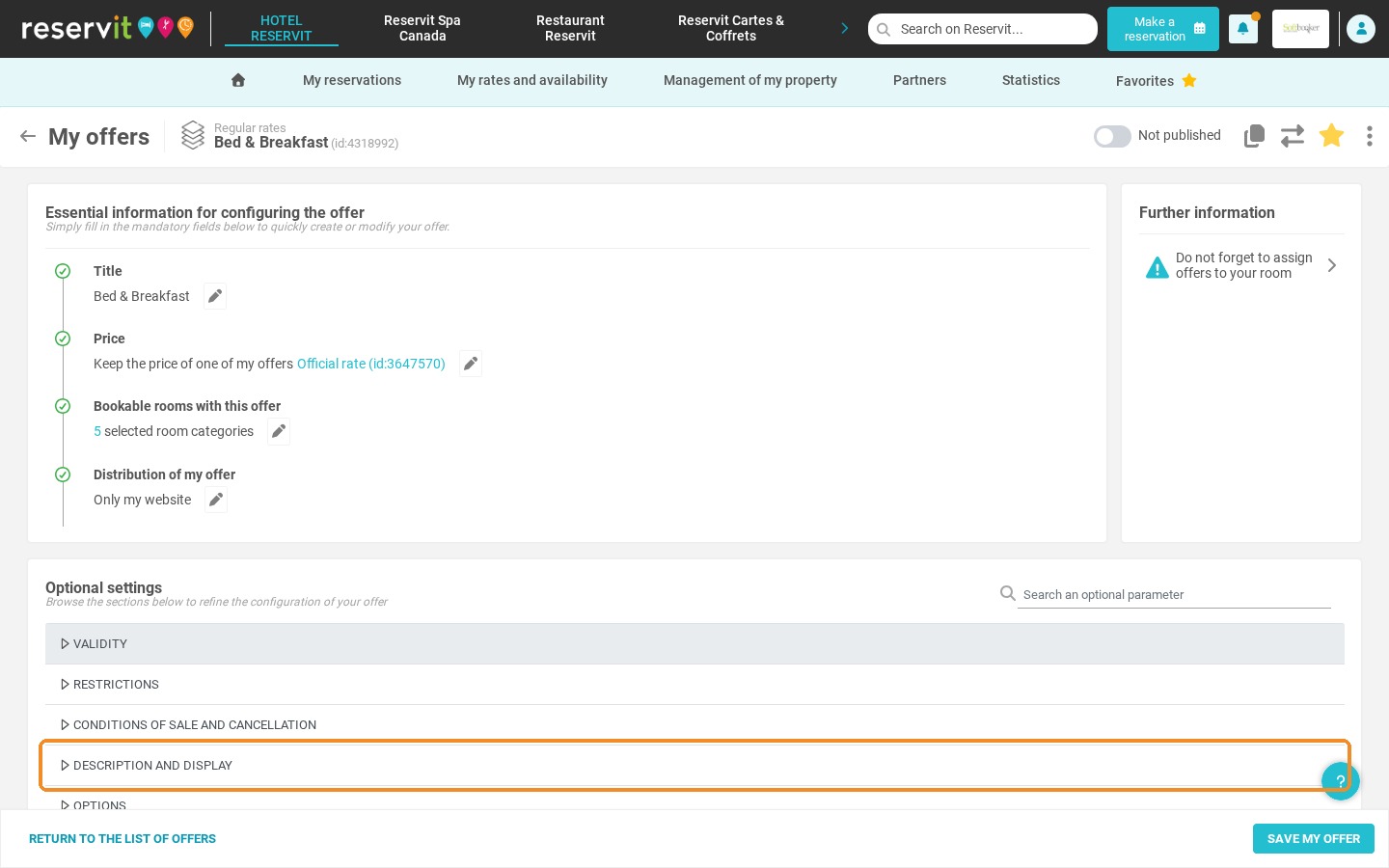
3. In the optional settings, open the "Description and display" section.
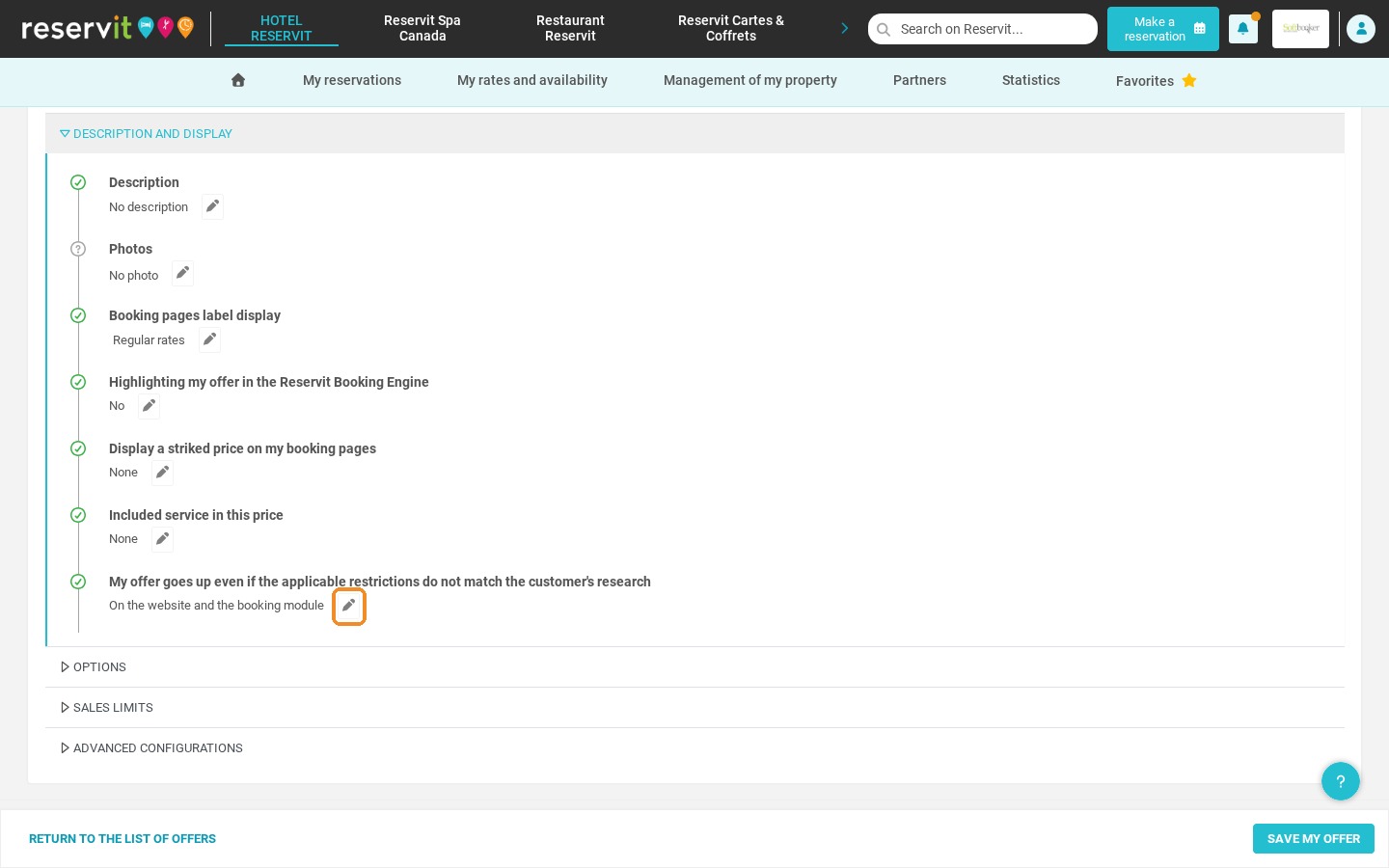
4. Click the pencil next to "My offer goes up even if the applicable restrictions do not match the customer's research". Choose whether your offer should show up on the reservation / call center module and/or on the website, then click "Validate".
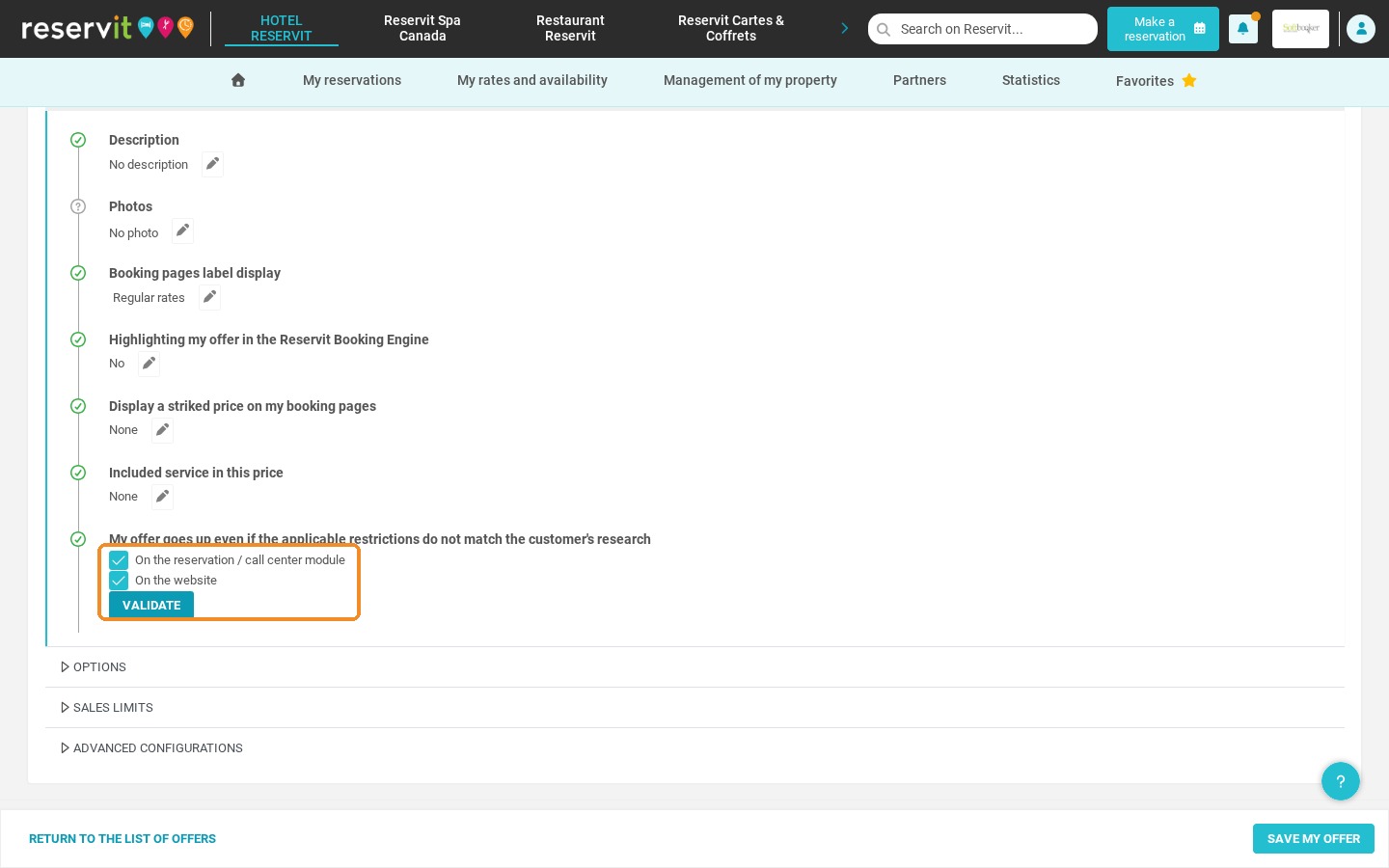
5. Click "Save my offer" to save your changes.